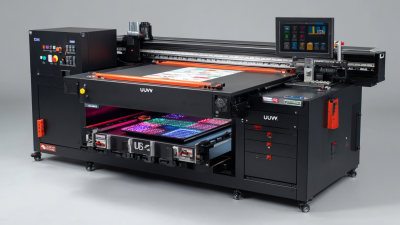
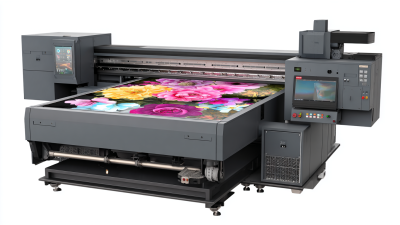
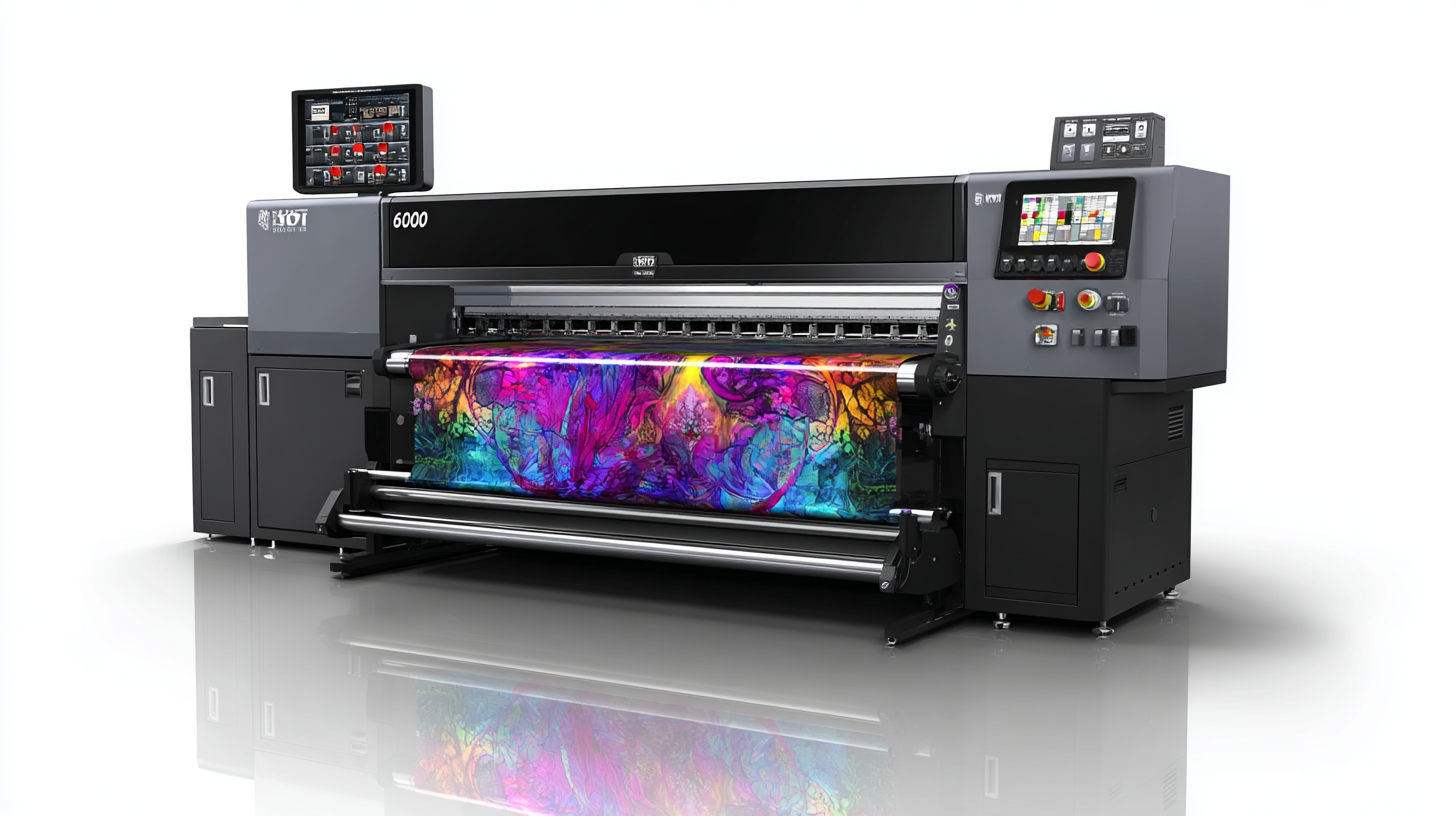
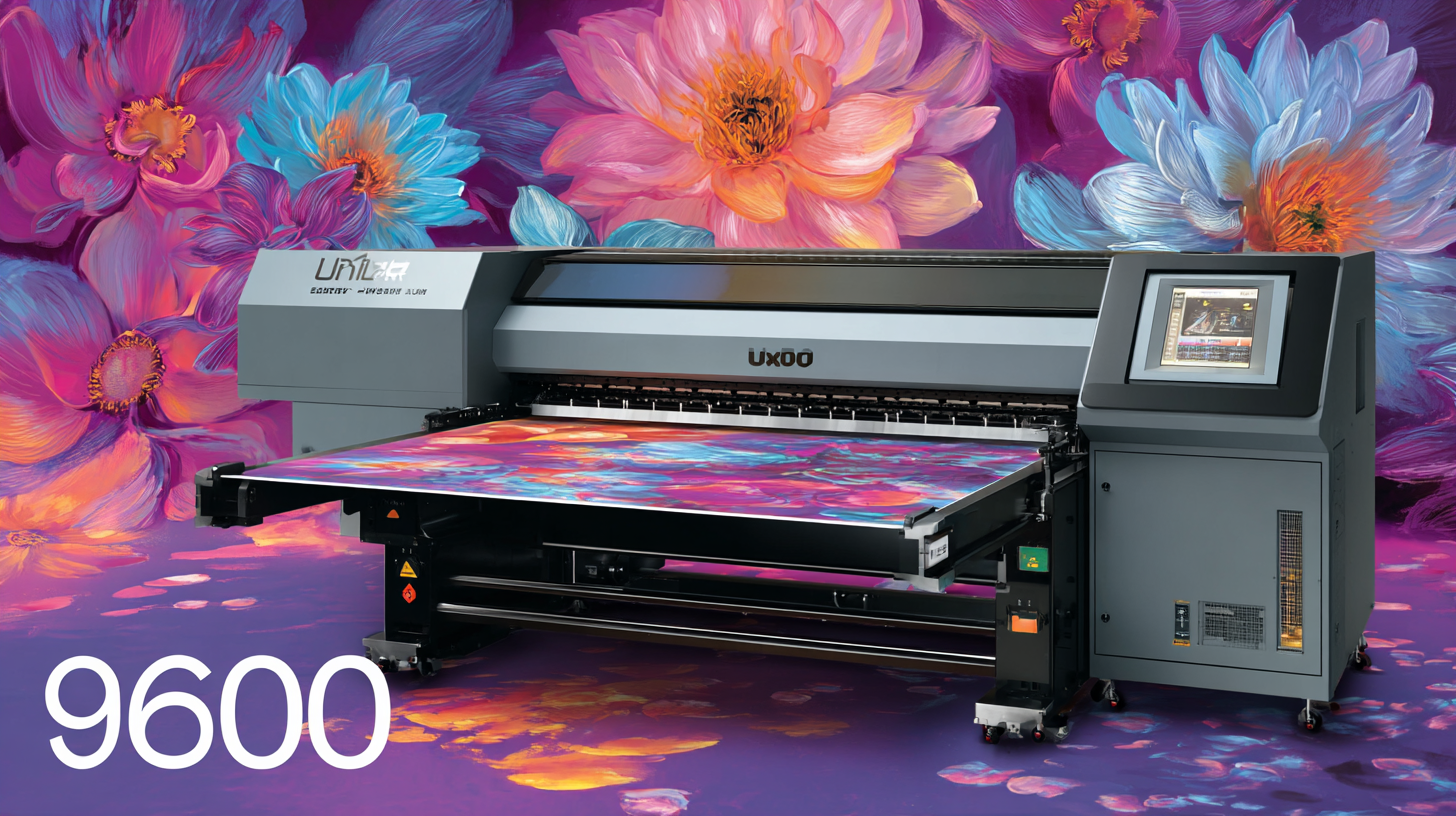
You know, over the past few years, we've really seen a boom in the demand for high-quality printing solutions, and the 9060 Uv Printer is a prime example of this trend. It's all thanks to some pretty impressive advancements in printing technology and the evolving needs of different industries. In fact, I came across a report from Market Research Future that says the global UV printer market could hit around $4.8 billion by 2026, which is pretty mind-blowing, especially with a growth rate of 11.6%. This just goes to show how crucial Uv Printers are for a wide array of applications—from signage to packaging.
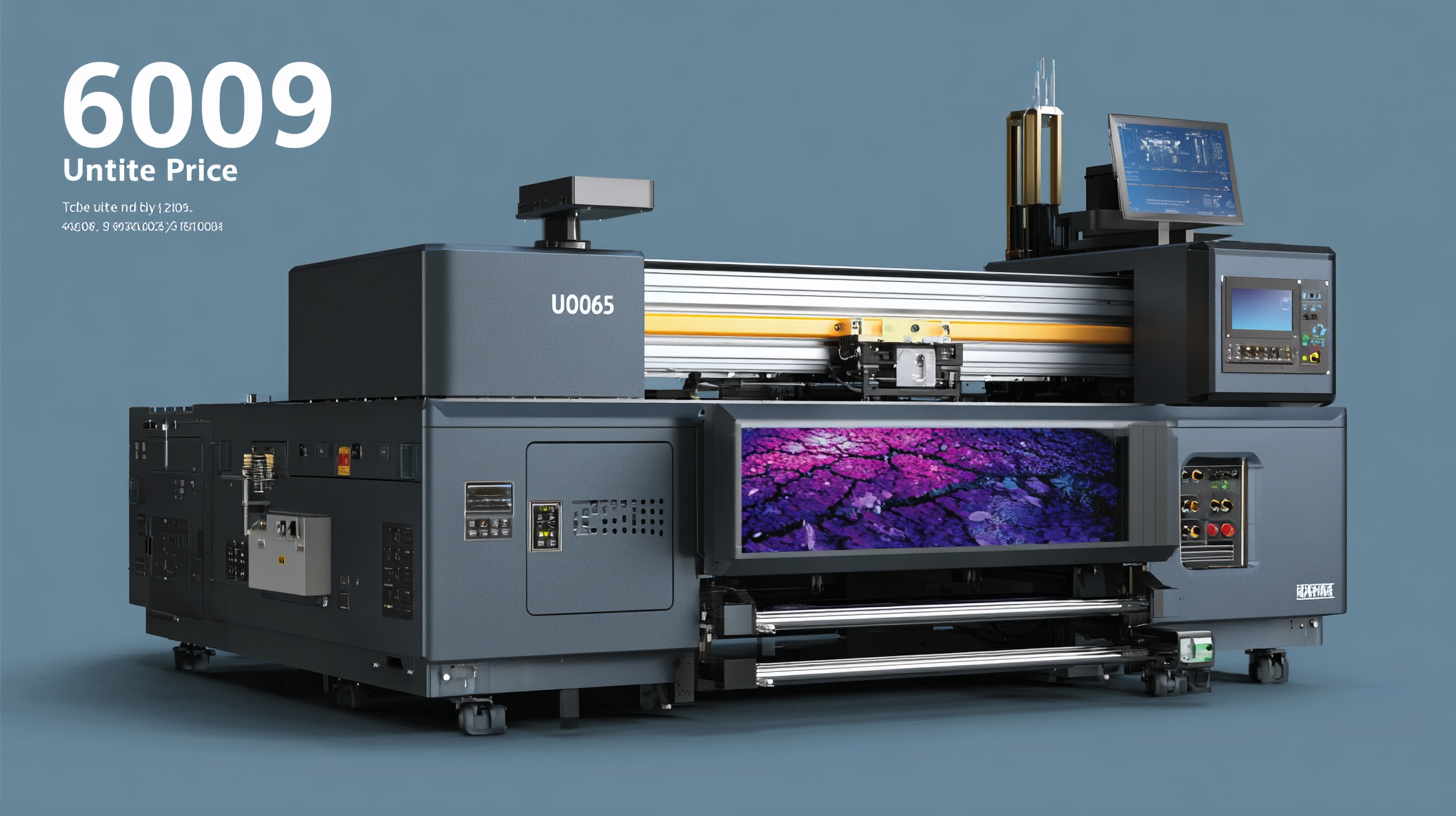
And when it comes to being at the forefront of this shift, JIAXING BORAN DIGITAL TECHNOLOGY CO., LTD. is totally in the game. They've got an impressive lineup of products, including the top-notch 9060 UV Printer. Plus, with our experience in providing eco-solvent printers, large format banner printers, and other digital printing solutions, we’re really your go-to stop for businesses looking for innovative and dependable signage solutions that meet the sky-high standards of today's market.
Key Features to Consider in a 9060 UV Printer
So, when you're on the hunt for the best 9060 UV printer, you really gotta pay attention to some key features that can seriously influence what your prints look like. One big thing to think about is the maximum print size. A lot of these 9060 UV printers have a print area that goes up to 24" x 36". That’s a pretty sweet deal if you're into printing large graphics or intricate designs. You know, studies suggest that printers with bigger print areas usually lead to happier customers, thanks to the extra creative space they offer for a variety of projects.
Then, there's the resolution – this is usually called DPI (dots per inch). If you can get a printer that offers 1440 DPI or more, you’ll be able to produce some seriously sharp and vibrant images. This is super important for businesses that need high-quality prints. According to a report from Smithers Pira, printers with great resolution can hit over 90% color accuracy, which really helps build brand loyalty and keeps customers coming back for more.
Oh, and don’t forget to check for UV printers that come with advanced drying technology. Fast-drying inks can really boost your productivity and lower the chances of smudging when you're handling stuff, which is a huge plus if you’re working with a lot of prints.
Ultimate Guide to the Technical Specifications of the Best 9060 UV Printer and How to Choose the Right One - Key Features to Consider in a 9060 UV Printer
| Feature | Specification | Importance |
| Print Area Size | 900mm x 600mm | Determines the maximum size of print jobs |
| Resolution | 1200 x 1200 dpi | Affects the clarity and detail of prints |
| Printing Speed | 30 m²/h | Influences productivity for large print runs |
| Ink Type | UV-curable Ink | Offers durability and a wide color gamut |
| Material Compatibility | PVC, Acrylic, Glass, Wood | Versatility for different printing applications |
| Software Compatibility | Supports Adobe Photoshop, Illustrator | Ease of use and integration into design workflows |
| Warranty Period | 2 years | Indicator of manufacturer support and reliability |
Understanding Print Quality and Resolution Specifications
Alright, so let's talk about the print quality and resolution specs of those top-notch 9060 UV printers. It's key to really dig into the metrics that tell you how well these printers perform. First off, you've got the resolution, which is usually measured in dots per inch, or DPI for short. The best 9060 UV printers can crank out resolutions anywhere from 1440 DPI all the way up to 2880 DPI. And trust me, this really makes a difference in how sharp and clear your printed images look. A report from 2022 highlighted that higher resolutions can deliver finer details and those vibrant colors we all love, making them perfect for signage, packaging, or even fine art pieces.
Now, let’s not overlook the type of print technology being used. UV printing is super cool because it uses ultraviolet light to dry the ink as it prints, which speeds things up and makes the prints way more durable. Some recent studies, including one by Smithers Pira, have shown that UV printing can deliver a color range that just blows traditional methods out of the water—like up to 90% better color accuracy and saturation! This is fantastic for anyone trying to create high-quality prints that last, no matter what materials they're working with. So, getting a handle on these specs is essential if you want to find the right 9060 UV printer that fits your specific needs and still meets those industry standards for quality and durability.
Evaluating Speed and Efficiency for Your Printing Needs
So, when you’re on the hunt for a 9060 UV printer, one of the biggest things to keep in mind is speed and efficiency. Trust me, this really makes a difference when it comes to getting the best performance out of your machine! From what I've seen in recent reports from Smithers Pira, these high-quality UV printers can pump out prints at over a whopping 1,000 square feet an hour. It’s pretty amazing for businesses that need things done, like, yesterday! Not only does that boost your productivity, but it also gives you a bit more wiggle room in your scheduling and can help cut down on those pesky operational costs.
Here's a pro tip: always check the maximum print speed based on what your workload looks like. If you’re in an environment that cranks out a lot of prints, you’ll want to look for models that come with dual-head setups. That way, you can seriously ramp up your throughput!
Now, let’s chat a bit about efficiency. This also really ties into how much energy the printer uses, which can hit your operational costs hard. The Printers & Imaging Association mentions that today’s UV printers can be up to 40% more energy-efficient than the older ones. That’s pretty cool when you think about the savings adding up over time! Plus, some of the newer models have automatic maintenance features that help keep downtime to a minimum while maximizing your output. That definitely enhances how efficient your printing operations can be.
And another little tip: keep an eye out for printers that come with energy-saving modes and built-in maintenance alerts. It'll help keep things running smoothly while also being kinder to the environment.
Material Compatibility: What Can You Print On?
So, if you’re thinking about getting a 9060 UV printer, one of the first things you really want to dig into is how well it works with different materials. These printers are super flexible and can handle all sorts of stuff—like plastic, glass, metal, and wood. It’s pretty important to know which surfaces can actually take UV ink, because that’s how you get the most out of your printer and end up with prints that look great.
A little tip: Before you jump in with a full print, it’s a smart move to test a small area first. Trust me, this can really save you both time and money. You want to make sure the ink sticks properly and that the final look meets what you had in mind. Oh, and don’t forget to check what the manufacturer says about compatibility—that way, you can dodge any nasty surprises.
Another thing to think about is the texture of the material you’re using. Generally, smooth surfaces are your best bet for getting nice results because the ink spreads evenly. But if you’re working with something textured, you might need to tweak your approach a bit. This can definitely affect how the final product turns out, both in looks and durability.
Another tip for you: Keep a journal of your experiments with different materials and settings. This can help you sharpen your technique as you go along and get a better feel for how your printer interacts with different substrates. And hey, don’t be shy about reaching out to other folks who are into UV printing, whether it’s in forums or social media—sharing experiences and advice can be super helpful!
Maintenance and Support: Ensuring Long-Term Performance
So, when you're thinking about picking out a 9060 UV printer, it's super important to realize just how vital maintenance and support are to keep that thing running smoothly for the long haul. You know, regular maintenance isn’t just about extending the printer’s life—it seriously boosts the print quality and makes sure everything operates efficiently. Trust me, a well-tended printer can really cut down on downtime, which is key for hitting those production deadlines and keeping customers happy.
Maintenance Tips:
- Set up a routine to check in on things like cleaning the nozzles and swapping out any worn parts. If you ignore these tasks, you’re opening the door to some pretty expensive repairs and not-so-great printing results.
- And hey, don’t forget to keep the printer’s software updated! This way, you’ll get all the latest perks and tweaks that can really ramp up performance.
Now, let’s chat about
support because that’s just as critical! Most manufacturers offer a bunch of resources—think support teams, online tutorials, and maintenance guides. Having access to these can really save your bacon when something goes wrong, letting you troubleshoot issues quickly and efficiently.
Support Tips:
- Make sure you go for a printer from a brand that’s known for solid customer service. You want to be able to get help without jumping through hoops when issues pop up.
- Also, take some time to get to know the online support resources and community forums. They’re gold mines where users share tips and solutions to common frustrations.
Budget Considerations: Cost vs. Features in 9060 UV Printers
So, if you're thinking about getting a 9060 UV printer, the budget is definitely something you can't ignore; it's a pretty big deal when you're trying to make a decision. Take a hard look at what you can afford and then match that up with the key features of these printers. Sure, going for the cheapest option might seem tempting at first glance, but you really need to think about what that could mean down the line. Often, those budget-friendly printers come with limitations in terms of functionality and print quality, and that’s something that could really impact your business and how satisfied your clients are. So, take a moment to really consider how each feature lines up with what you actually need for your printing tasks.
On the flip side, splurging a bit on a higher-end 9060 UV printer can really pay off in the long run. These pricier models usually come with better print resolutions, quicker speeds, and more advanced tech, which can really give a boost to your productivity and the quality of your outputs. It’s worth looking at that initial cost and thinking about the savings and revenue you could get from those top-notch prints. In the end, it’s all about finding that sweet spot between what you’re willing to spend and what you actually need—this will help you make a smart choice that fits right into your budget while still doing what you need it to do.
FAQS
: The best 9060 UV printers typically operate at resolutions ranging from 1440 DPI to 2880 DPI.
Higher resolutions allow for finer detail and vibrant color reproduction, which significantly improves the sharpness and clarity of printed images.
UV printing utilizes ultraviolet light to cure or dry the ink, resulting in faster turnaround times and enhanced durability of the prints.
UV printing technology can achieve color gamuts that exceed traditional methods, delivering up to 90% more color accuracy and saturation.
Regular maintenance extends the printer's life, enhances print quality, and reduces downtime, which is essential for meeting production deadlines.
Schedule routine checks to clean nozzles and replace worn-out components, and keep the printer’s software updated for optimal performance.
Businesses should weigh their financial capabilities against the essential features of the printers, balancing initial cost with long-term quality and functionality.
Higher-end models typically offer superior print resolution, faster speeds, and advanced technology, which can enhance productivity and output quality.
Manufacturers often provide resources like support teams, online tutorials, and maintenance guides to help users troubleshoot issues promptly.
Selecting a printer from a brand with a strong customer service reputation ensures users have quick access to assistance when issues arise.